Fewer things. Done properly.
Your number for the day, a plate you log once, and plans that start where you are. Everything else is one tap away, and you can hide what you don’t use.
Your day, on one screen.
Open the app and the ring shows what’s left. Eaten, Left and Target sit beside it, with protein and fluid underneath. Your workout and your next meal sit just below, each one tap from done.
- Fluid, where it came from. Drinks, your daily drinks and water from food, with caffeine beside it and a marker for where you should be by now.
- Supplement lights. One light for each supplement due today: grey until you tick it off, then green.
- Your rank, up top. It sits beside the bell. Tap it for Challenges.
- Coach or PT? A Me / Work switch keeps your own day and your clients one tap apart.
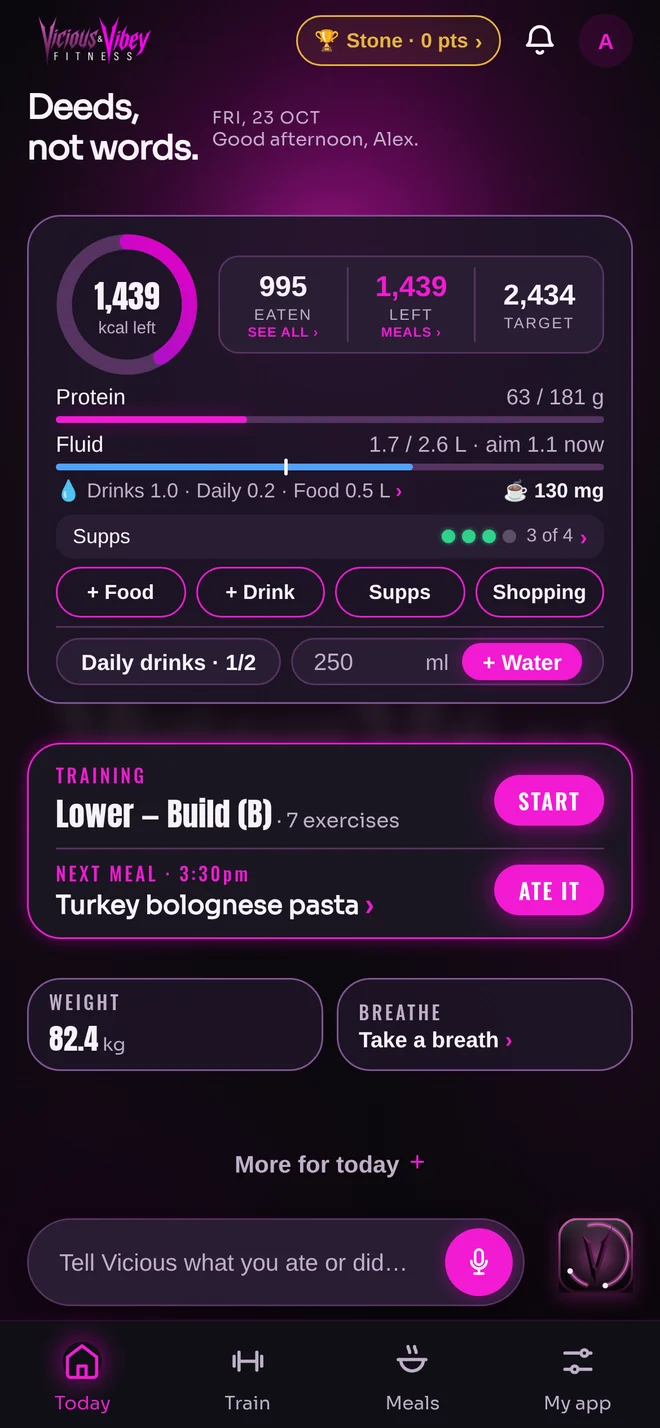
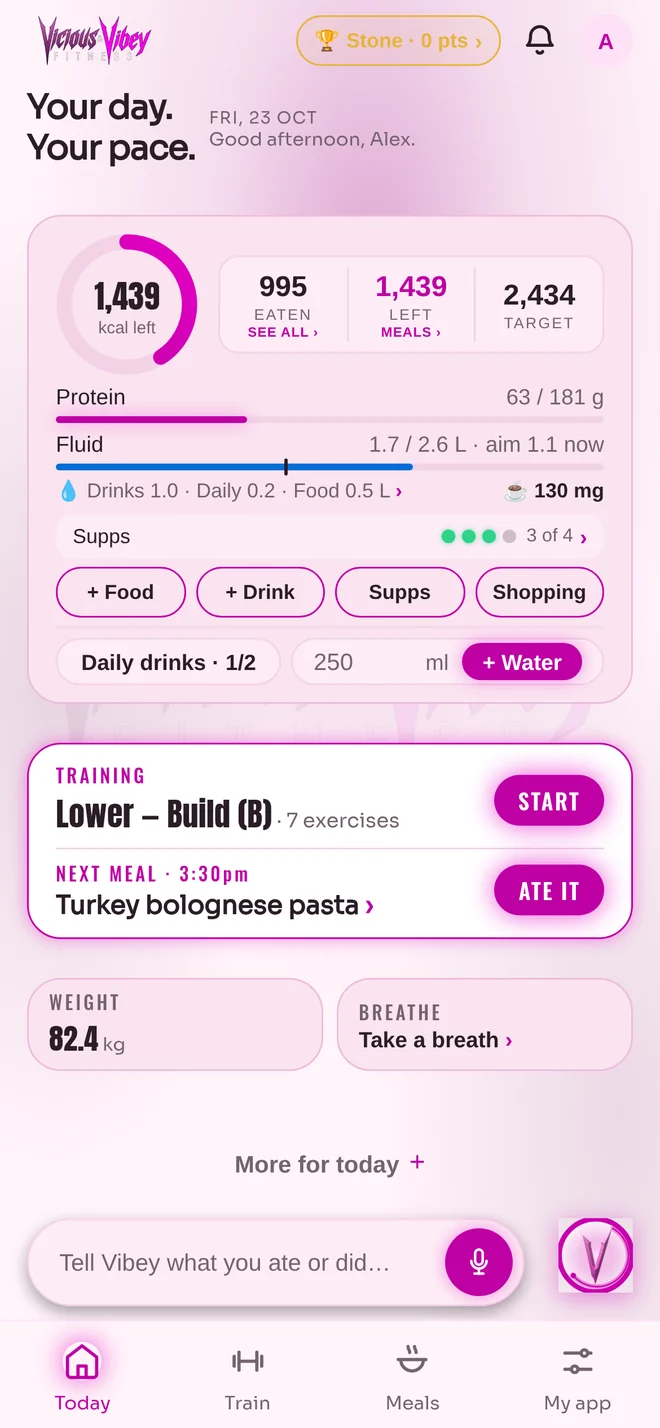
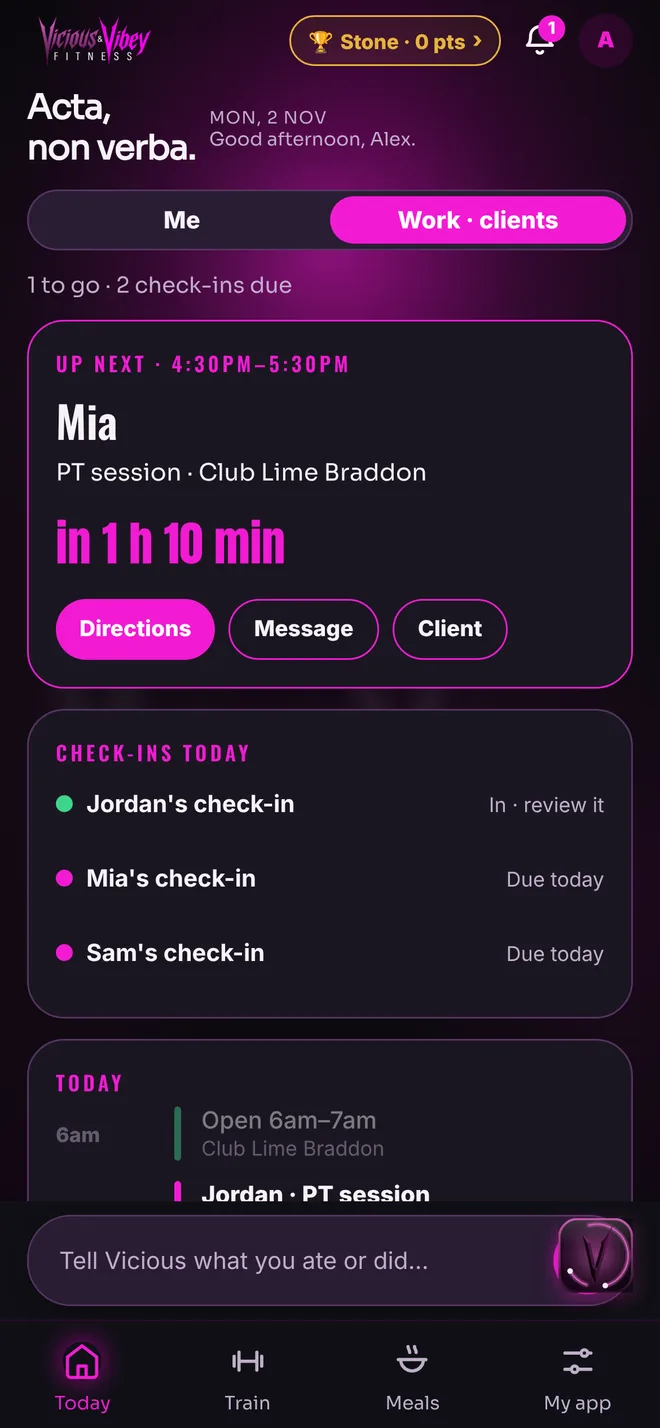
Real screens from the current app, on a demo account.
Search it. Tap it. Done.
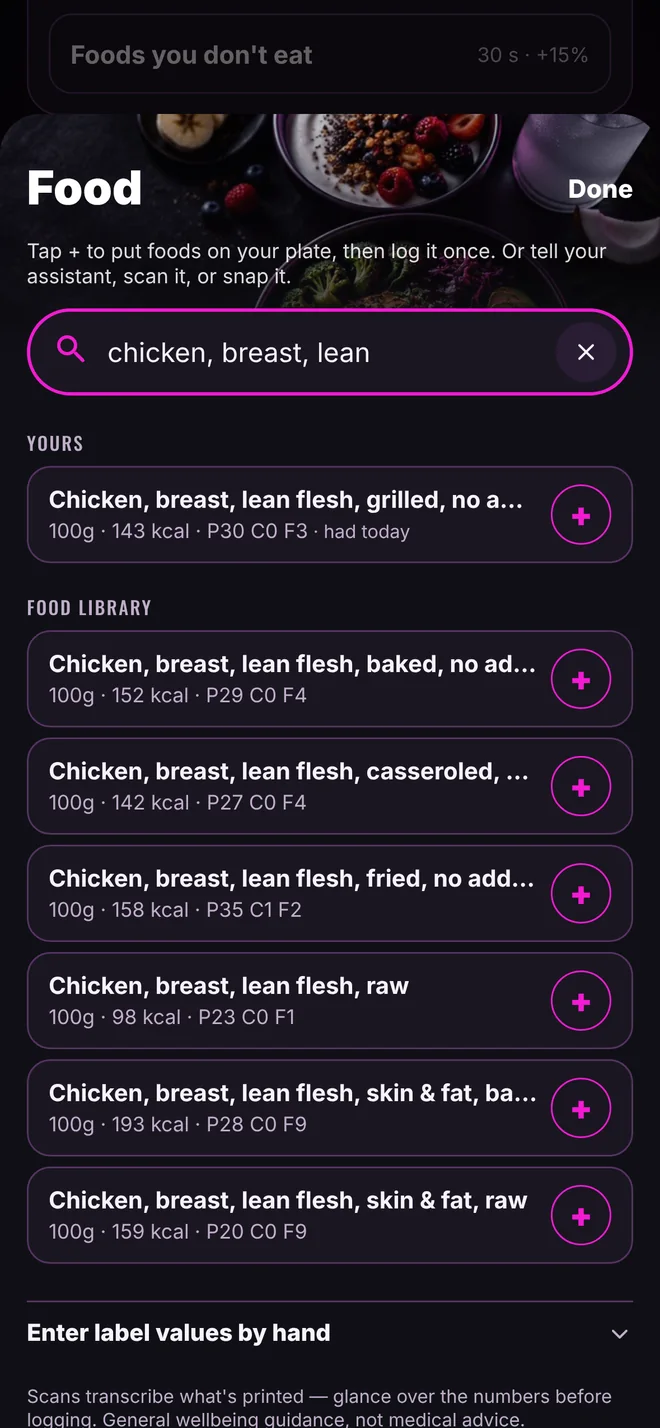
Type any food or brand and tap + to put it on your plate. Search covers more than 65,000 Australian products plus the Australian food composition database, and the foods you eat most come up first. Check the plate, then log it in one go.
- Live barcode scan. Point the camera at the code and it reads it straight away.
- Not in there? Snap the label. Photograph the nutrition panel and it’s logged. We check each label before it joins the library for everyone.
- Same as yesterday. Copy yesterday’s food in one tap, then untick what you didn’t have.
- Or just say it. With assistant chat, tell Vicious or Vibey what you ate and it’s logged.
A plan for your sport, at your level.
Set a level for each sport you do: a beginner in running and advanced in lifting, if that’s you. New to a sport? You get a simple starting plan. Experienced? You get the full detail.
- New plans: Olympic weightlifting, functional fitness, calisthenics, team sports and racquet sports, at every level.
- Running: the NHS Couch to 5K plan, week by week.
- Swimming: the Swim England swimming fitness plan, after a quick one-length check.
- Climbing, hiking and HYROX: steady first eight weeks, one step at a time.
- Tools at the bar: a plate calculator so you load the right weight, an anatomy view of what each lift works, and challenges to chase.
Running plan: NHS Couch to 5K. Swimming distances: Swim England swimming fitness plan. Beginner plans show when your level for that sport is Beginner.
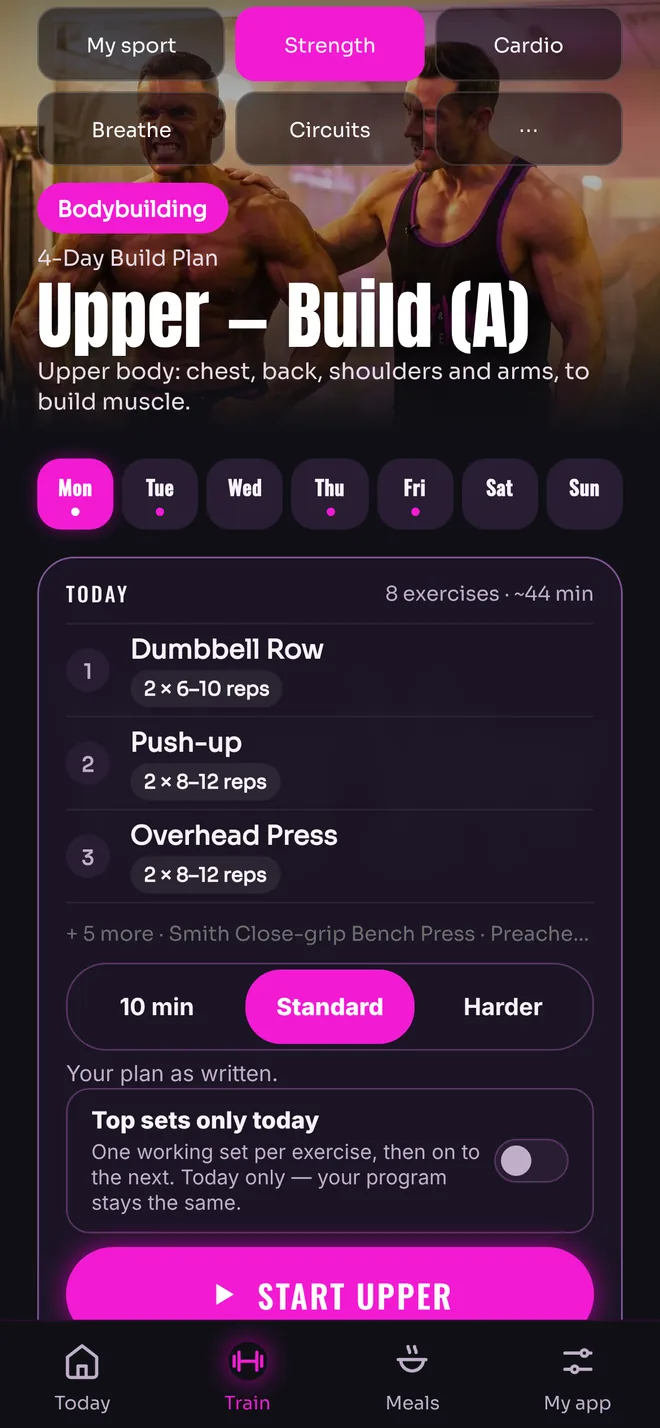
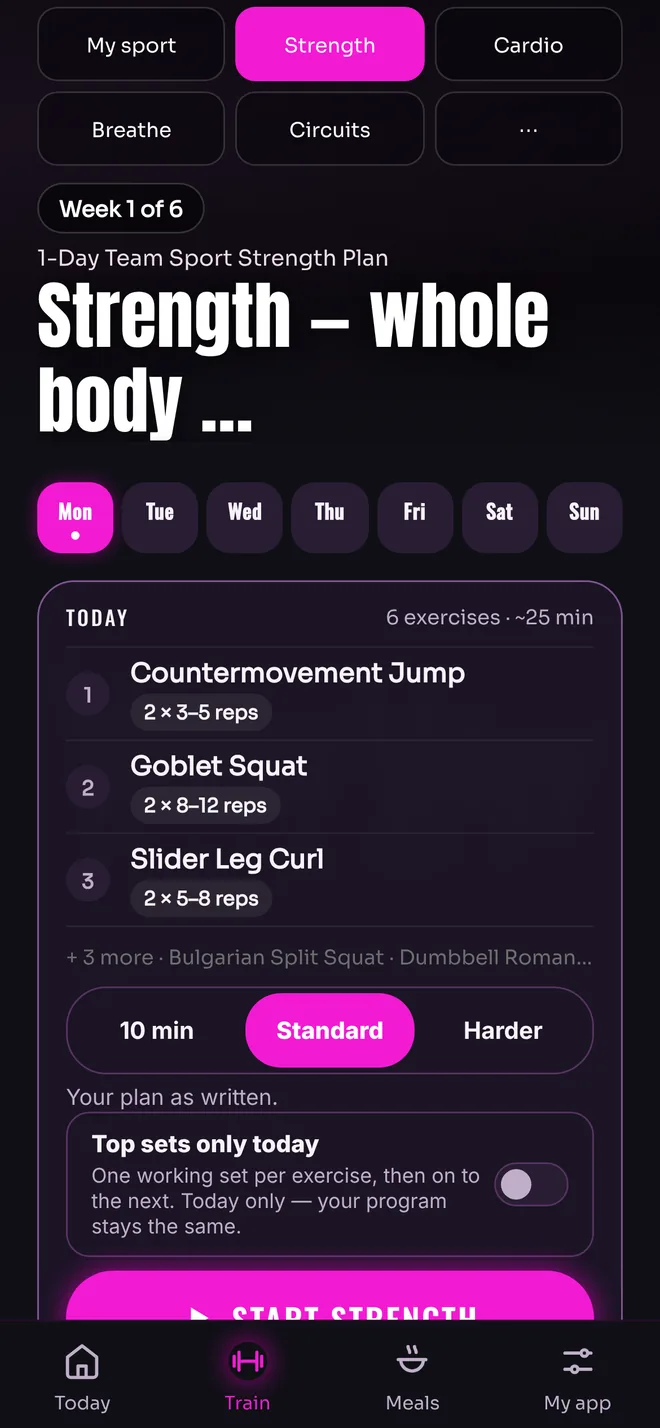
Real screens from the current app, on demo accounts.
Only what you use.
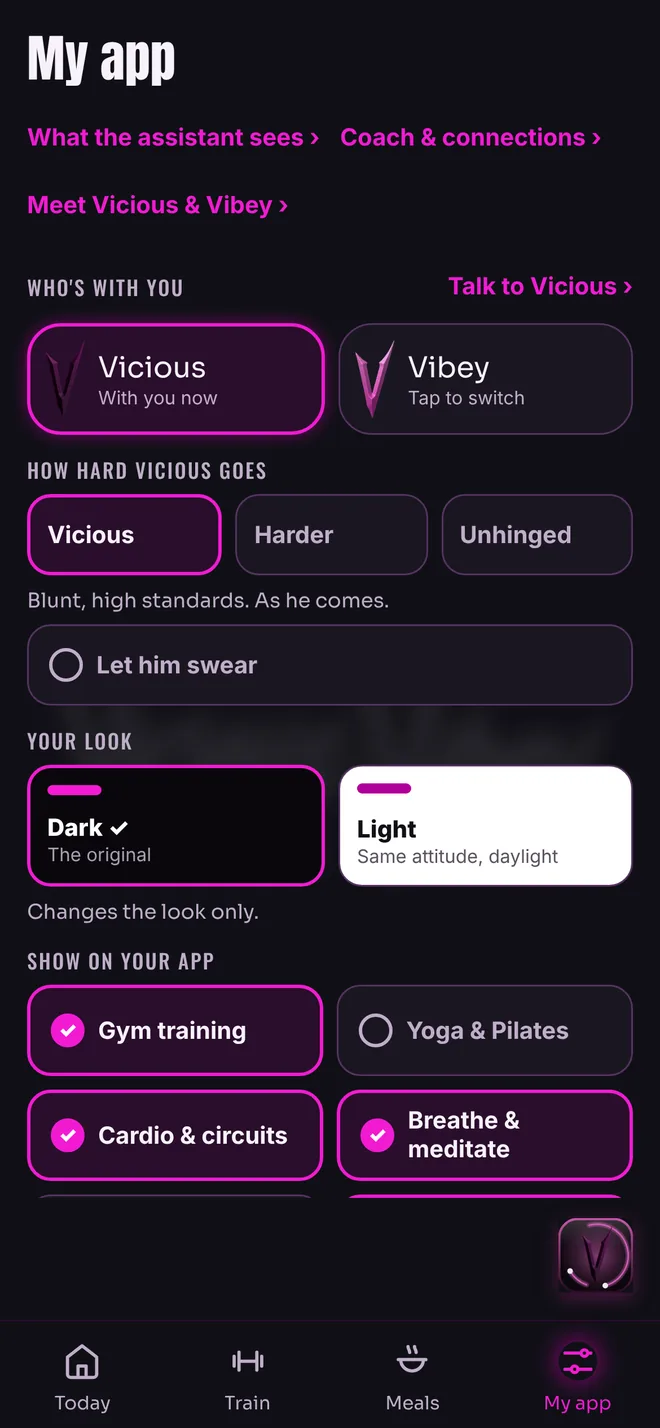
Here for yoga, a walk or the gym? Tap the parts you want in My app. Your tabs, your Today screen and your reminders follow. Vicious and Vibey sit near the top, so you can switch who’s with you in one tap.
- Hiding never deletes anything. Switch it back on and it’s all still there.
- Fine-tuning lives in Settings, under Advanced, out of your way.
- Working with a coach? The parts they run for you stay on.
Breathe. Sit. Listen. Come back.
A few quiet minutes, whenever you need them: guided breathing, a meditation with a real voice, and eight frequency films, each with its own slowly turning mandala.
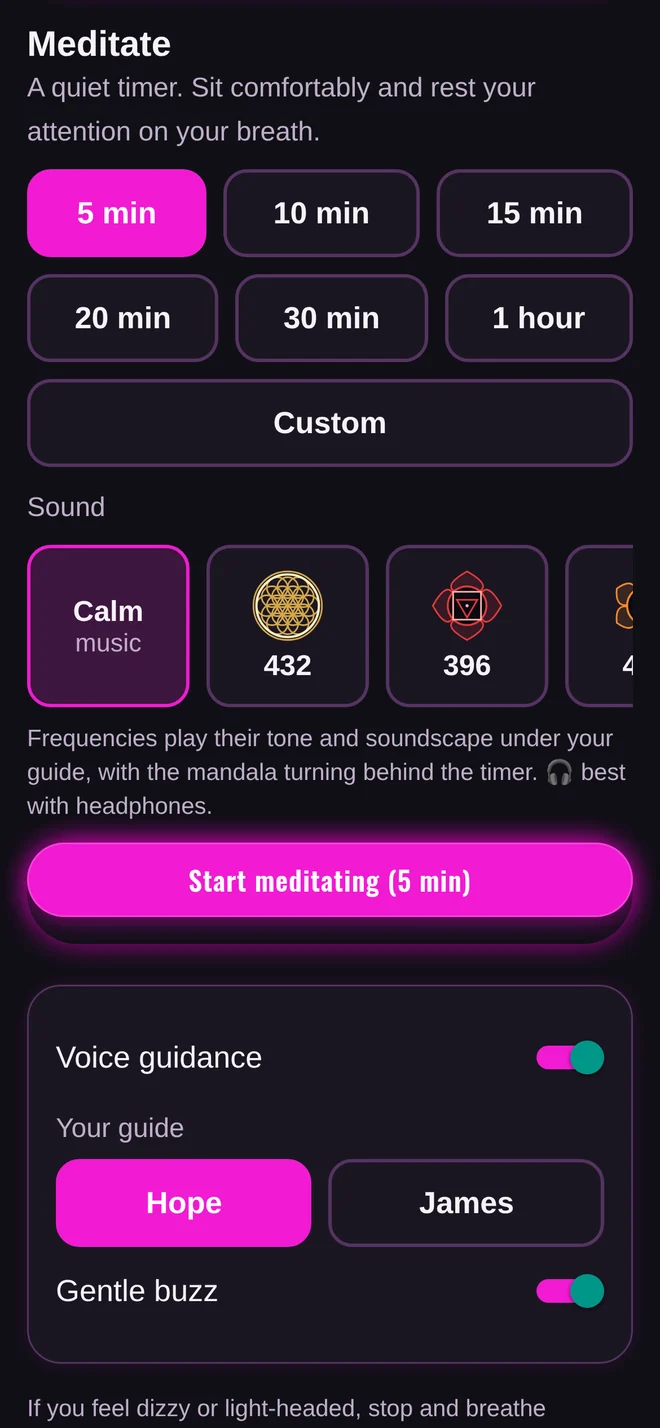
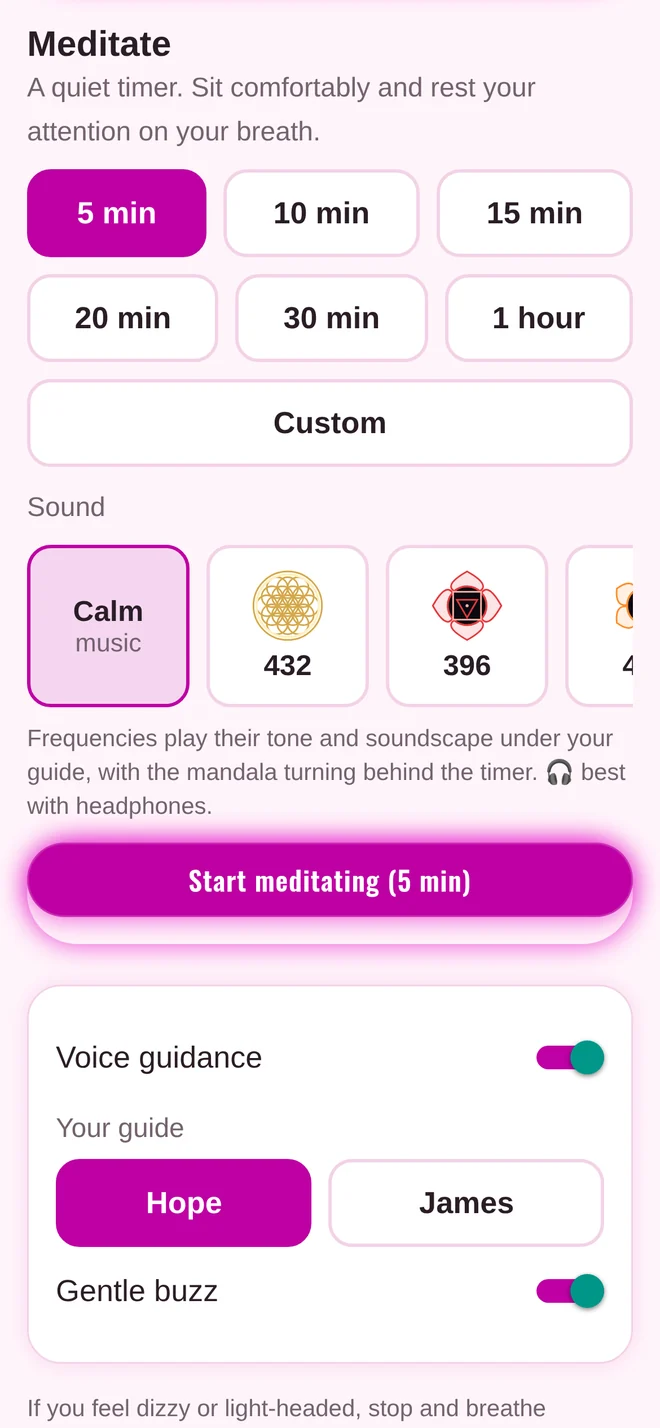
Two voices. One quiet sit.
Choose your guide, Hope or James. Both are softly spoken recordings that live inside the app, so they play without signal. A short countdown, the music rises gently, and a slow welcome eases you in before “Let’s begin.”
“Welcome… to your Vicious and Vibey meditation. Find a position… that feels… comfortable.”The opening words, as recorded by Hope and James
- 5 minutes to an hour, or set your own length.
- A gentle way back. Longer sits close slowly: notice the room, move your fingers and toes, then open your eyes in your own time.
- Your sound. Calm music, or any of the eight frequencies, with its mandala turning behind the timer.
- Keeps going. Leave the screen and the timer carries on, right on your Today screen.
- Breathing, too. Slow, box, double breath in with a long breath out, and 4-7-8, for 1 to 5 minutes.
Eight films. A mandala each.
Each track is a steady tone and a soft soundscape under a slowly turning mandala, drawn in the colour traditionally linked with it. Start with 432 Hz, or pick one of the seven chakra tracks.
- Best with headphones. Each ear gets a slightly different tone. Speakers work too.
- 10, 20, 30 or 60 minutes. The sound fades out gently at the end.
- Plays offline. Each film downloads the first time you play it.
- Tap to hide everything. It keeps playing with the screen locked.
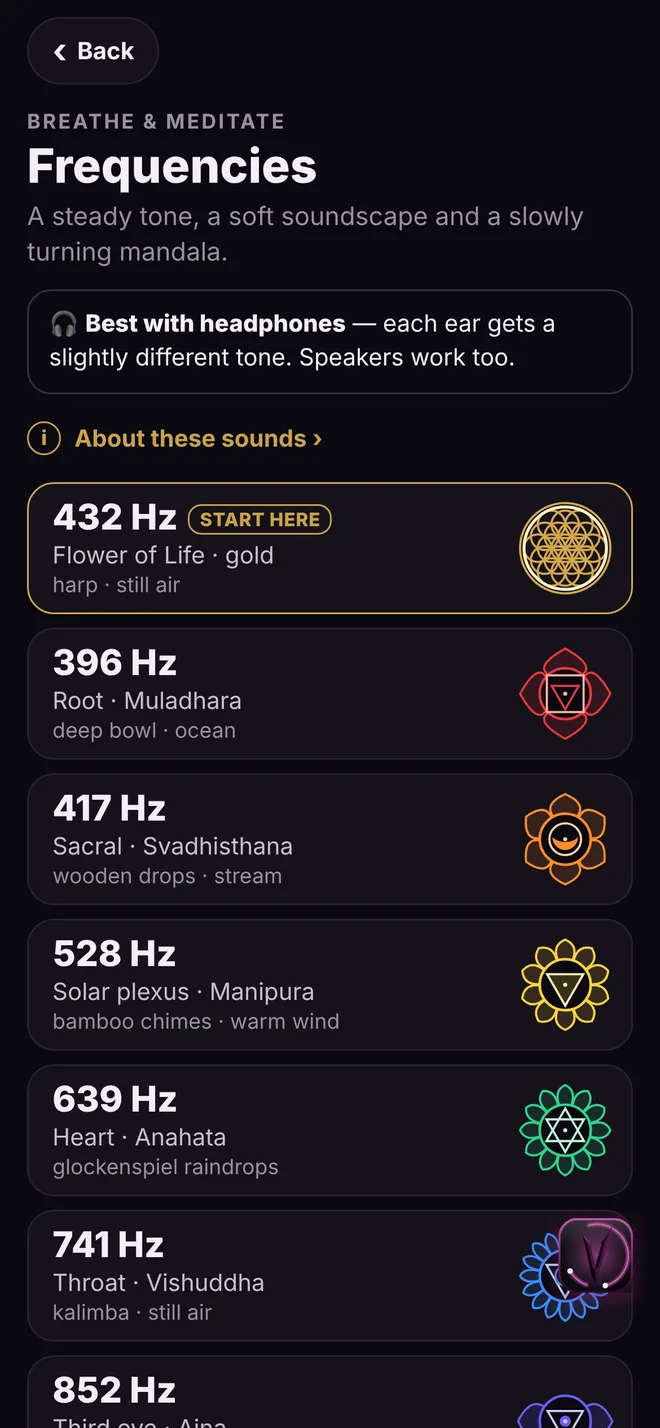
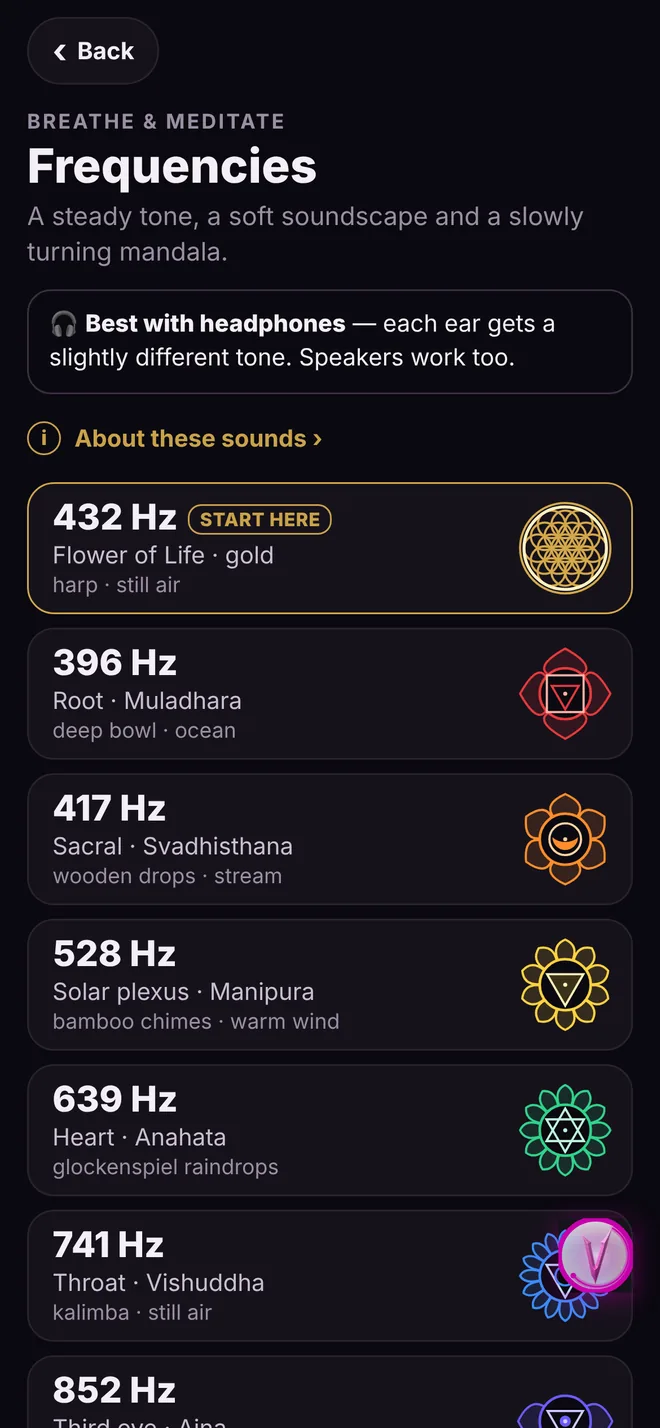
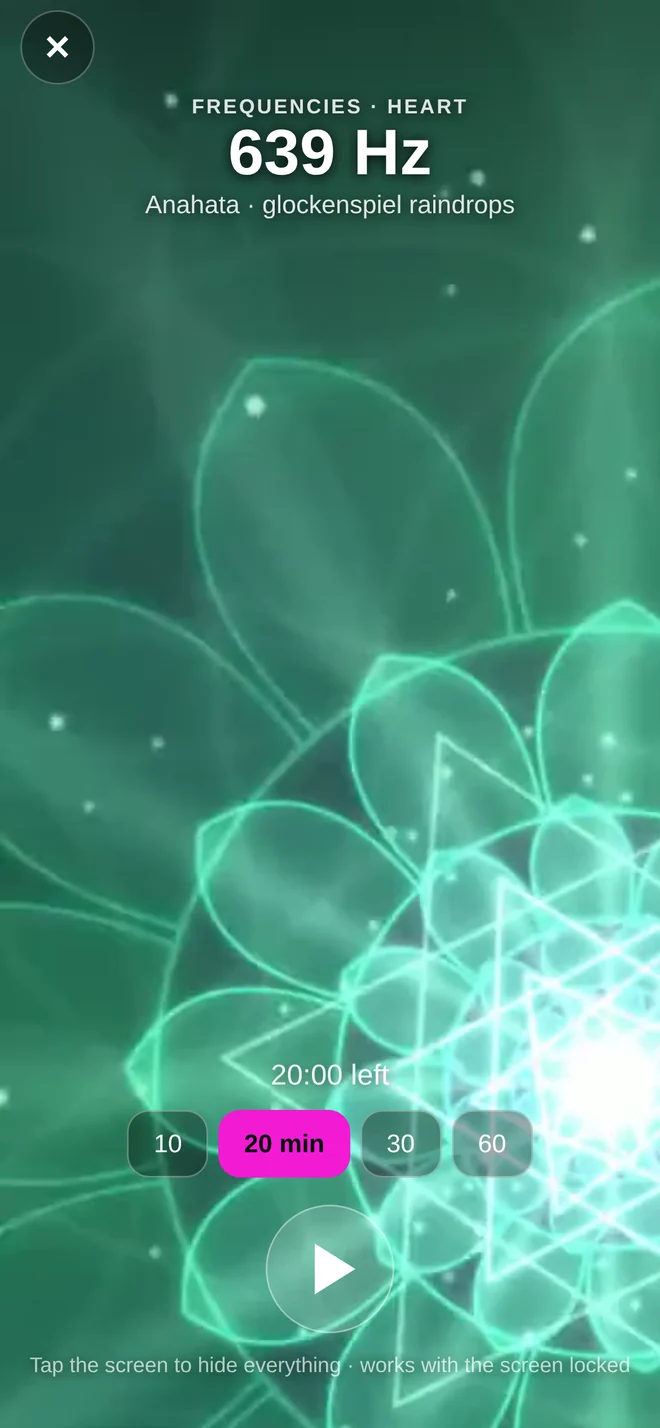
Real screens from the current app.








Traditional associations only. Chakra names, colours and symbols are the traditional associations, and sources differ. The frequencies are for relaxation and focus, not a treatment for any condition. Keep the volume low, don’t listen while driving, and if you have epilepsy or a seizure condition, check with your doctor first.
Log it, or record it live.
Pick your sport, then record it with your phone or type in what you did. Calories for the session come from what you did, and count once.
- In the appManual logDistance, minutes and effort, with optional average heart rate, climb and cadence.
- In the appLive GPS recordingRuns, walks, rides, hikes, rowing on the water and paddling. Pause and auto-pause, so stops never count against your pace. A spoken split as you go, splits per km (per 500 m for rowers), your fastest times on routes you repeat, and a share card.
- In the appInterval timerEMOM, AMRAP, Tabata and For Time, for HYROX and circuits.
- In the appInside or outside?Outside shows the temperature, wind, UV, rain, air quality and pollen, on the sport screen and while you record.
- In the appSessions from your watchToday’s sessions from your health connection, shown without being counted twice.
- Not yetLap, stroke, cadence and power from your watchThese aren’t imported yet. You can type them into a manual log.
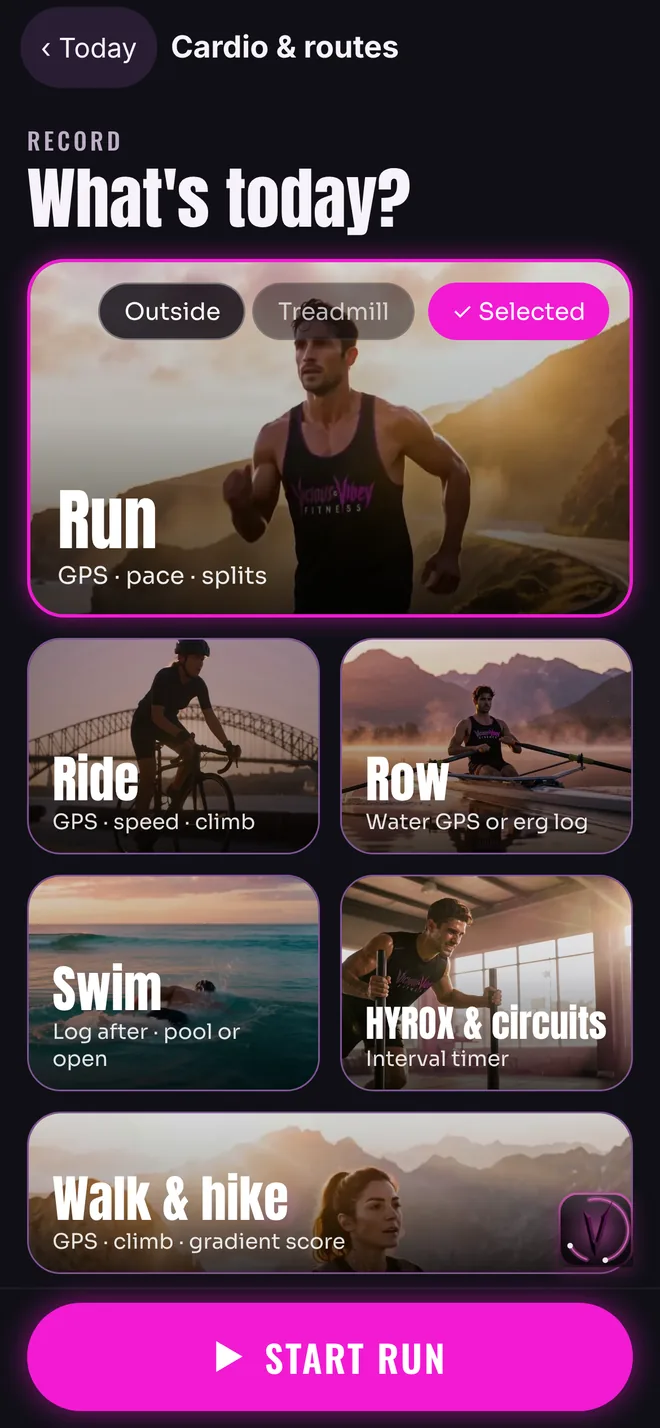
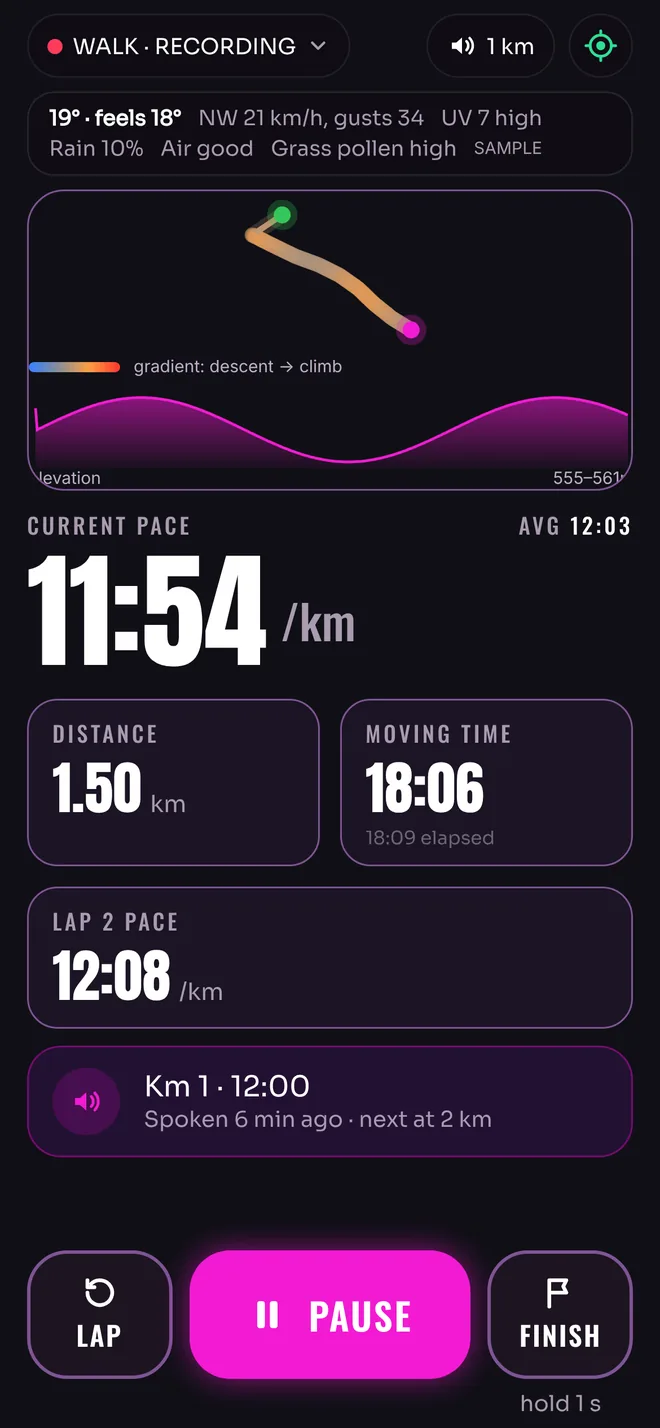
Real screens from the current app, on a demo account: pick your sport, then a walk being recorded live. The walk uses a demo route and sample weather.
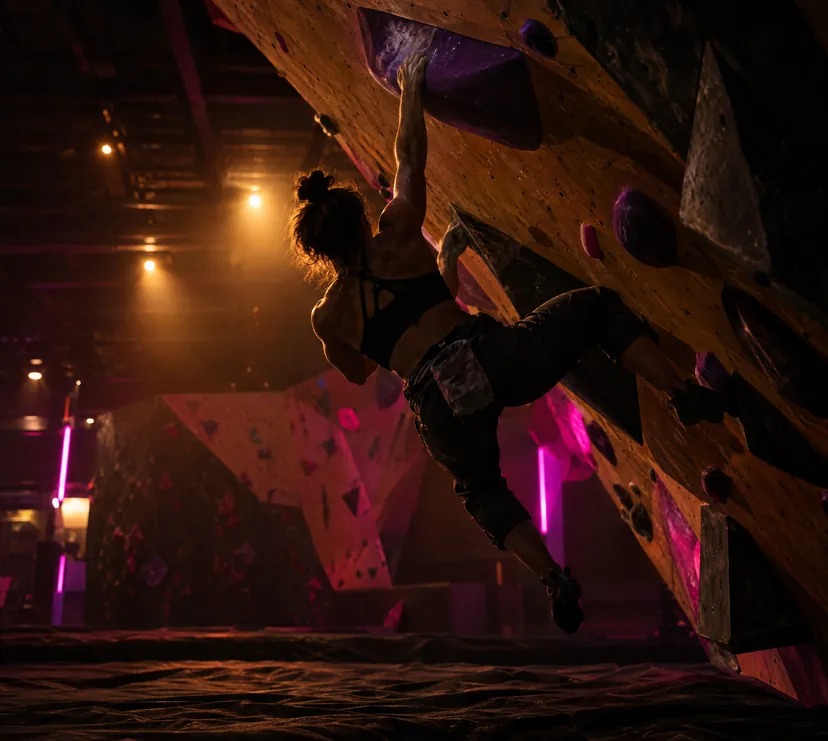
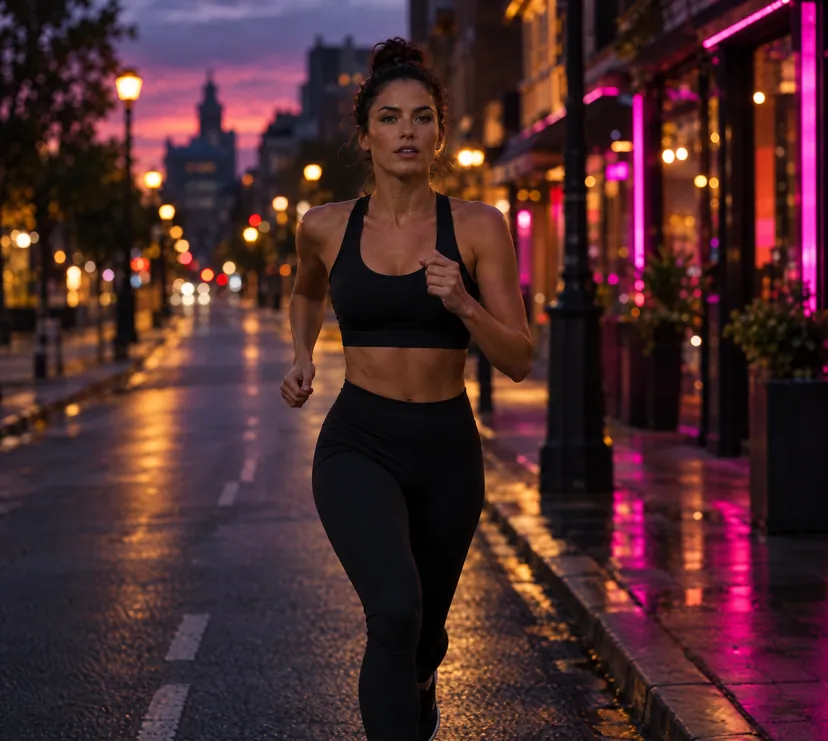
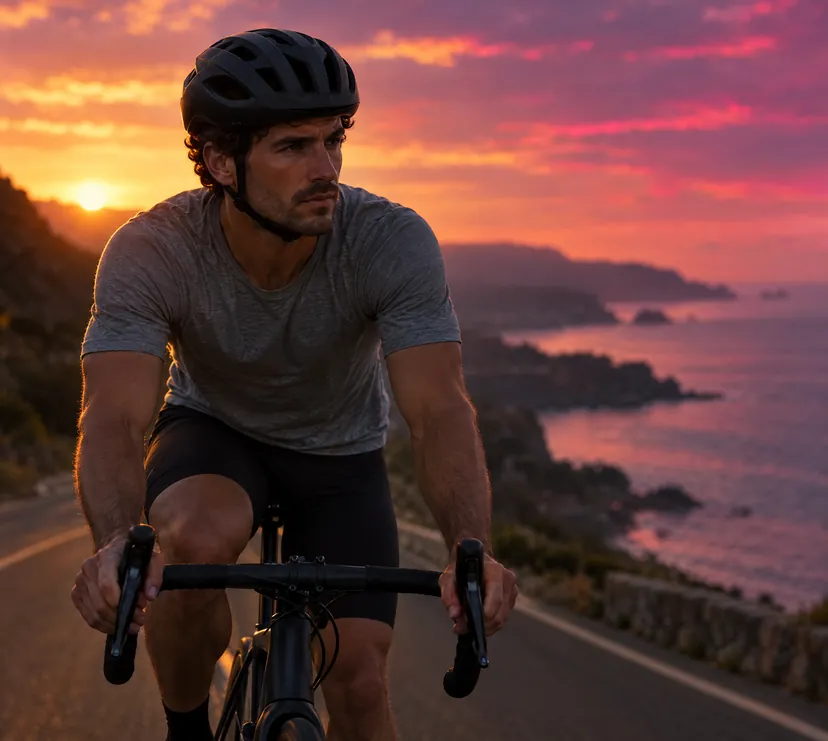
A hub for your sport.
Every sport gets its own screen in the app, with the timers, logs and tools that sport actually uses.

Everything else, when you want it.
Out of the way until you need it. Switch off any area you don’t use.
Food & drink
- Diet plan. “Make my plan for me”, or “I’ll pick my own foods”.
- Photo, label and barcode. Snap a meal or scan the pack.
- Measure your plate. On iPhones with a depth sensor, the camera estimates how much is there.
- Drinks and caffeine. Fluids and electrolytes beside your food, and how caffeine lines up with your sleep.
- Weekly food quality. Your serves against the Australian Dietary Guidelines, plus fish.
- Shopping list and supplements. Built from your plan, with reminders.
Training
- Programs and suggested weights. Today’s weight on every set, PBs on the spot.
- How was that? One tap after a session for newer athletes; the full rating for advanced.
- Snap the machine. Photograph a machine’s label and it’s added.
- Hurt? Tap Injured. Your program works around it.
- Cardio and routes. Log it, or record it live with GPS. What’s in today.
- Demos that keep playing. Watched once, they play again without signal.
Mind & movement
- Yoga, Pilates and classes. Log a class in a few taps, or follow a routine at home.
- Breathe and meditate. Hope or James guides you in and gently back. See Mind.
- Frequencies. Eight tones with soundscapes and turning mandalas.
- Your physio, in your pocket. They set your rehab exercises from our website, free for them.
Progress
- Weeks built. At 4, 8, 12, 26 and 52 weeks, see what you’ve built. Share it without your weight.
- Every lift, every machine. Browse your lifts by movement or by machine brand.
- Weekly check-ins. Photos, mood and energy, so your numbers have context.
- Sleep and recovery. From your watch or wearable.
2,200+ exercises.
Every one shown properly.
1,808 HD animated demos with men’s and women’s versions and step-by-step technique. The clips are re-rendered for each app theme, so the athlete sits right in the card. Flip the switch up top and watch.
Be first in when the doors open.
Join early access and we’ll email you the moment Vicious & Vibey is on the App Store and Google Play.
We’ll only email you about the launch and drops. Unsubscribe any time. Privacy